Platform / Inspections and hydrants
Inspections, permits and hydrants
One file per building, inspections that keep working deep inside a warehouse with no signal, and a report the owner signs before you leave.
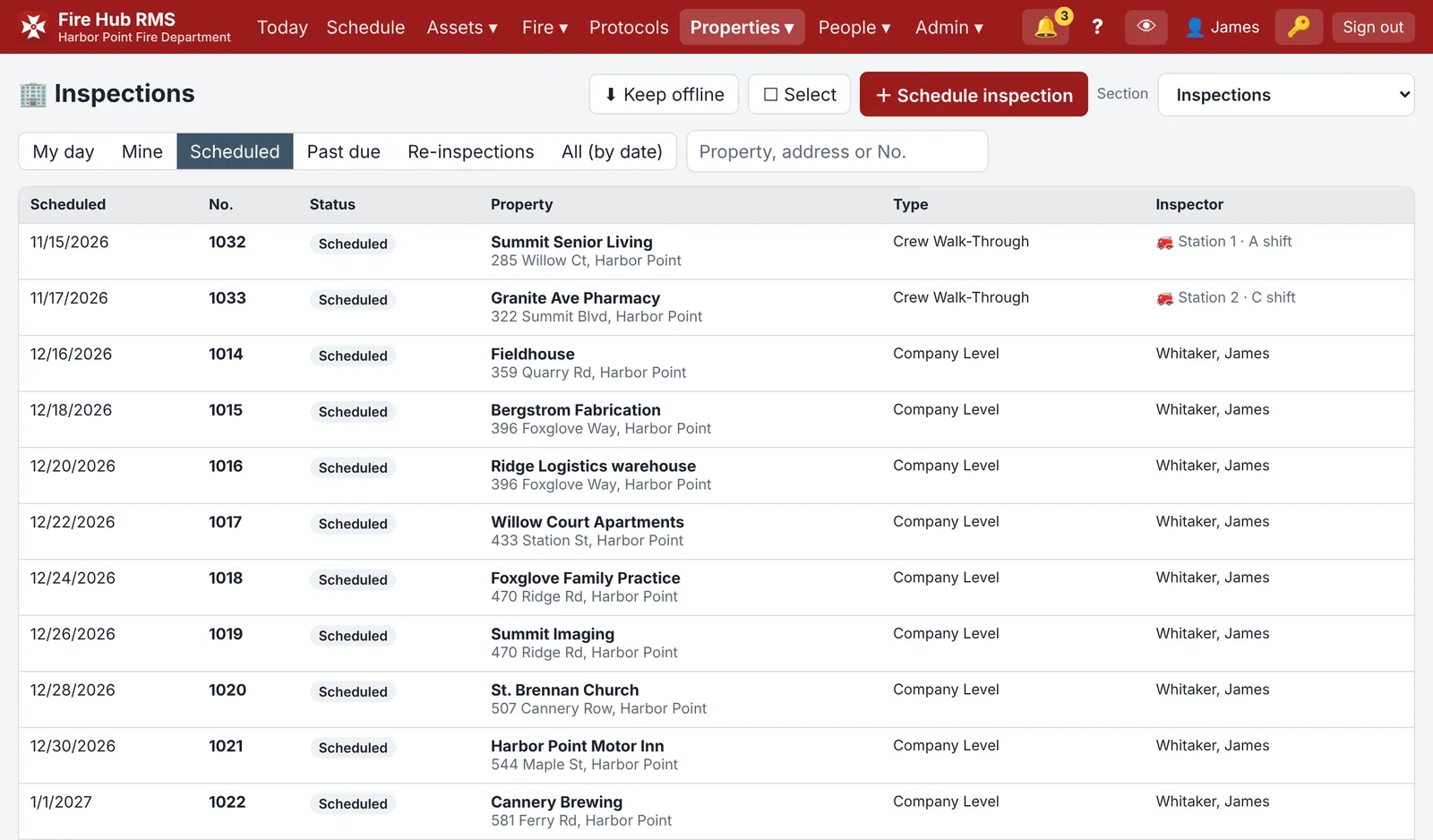
- Arrive, walk, wrap upA checklist walk with photos and violations, an on-site signature, and the report emailed from your department's address.
- Works with no signalKeep an inspection on the phone and finish it offline. It sends when the signal comes back.
- Crew inspectionsEngine company walk-throughs dealt out by station and shift for the year, with what's due on each crew's Today screen.
- Fees, simplySee which fees are paid, and send reminders by a button or on a schedule.
- Online permitsThe public applies from a link on your website; staff approve or deny with a reason.
- HydrantsFlow colors, out-of-service hydrants, inspections and flushing, and ArcGIS layers kept in step.
The building's whole story
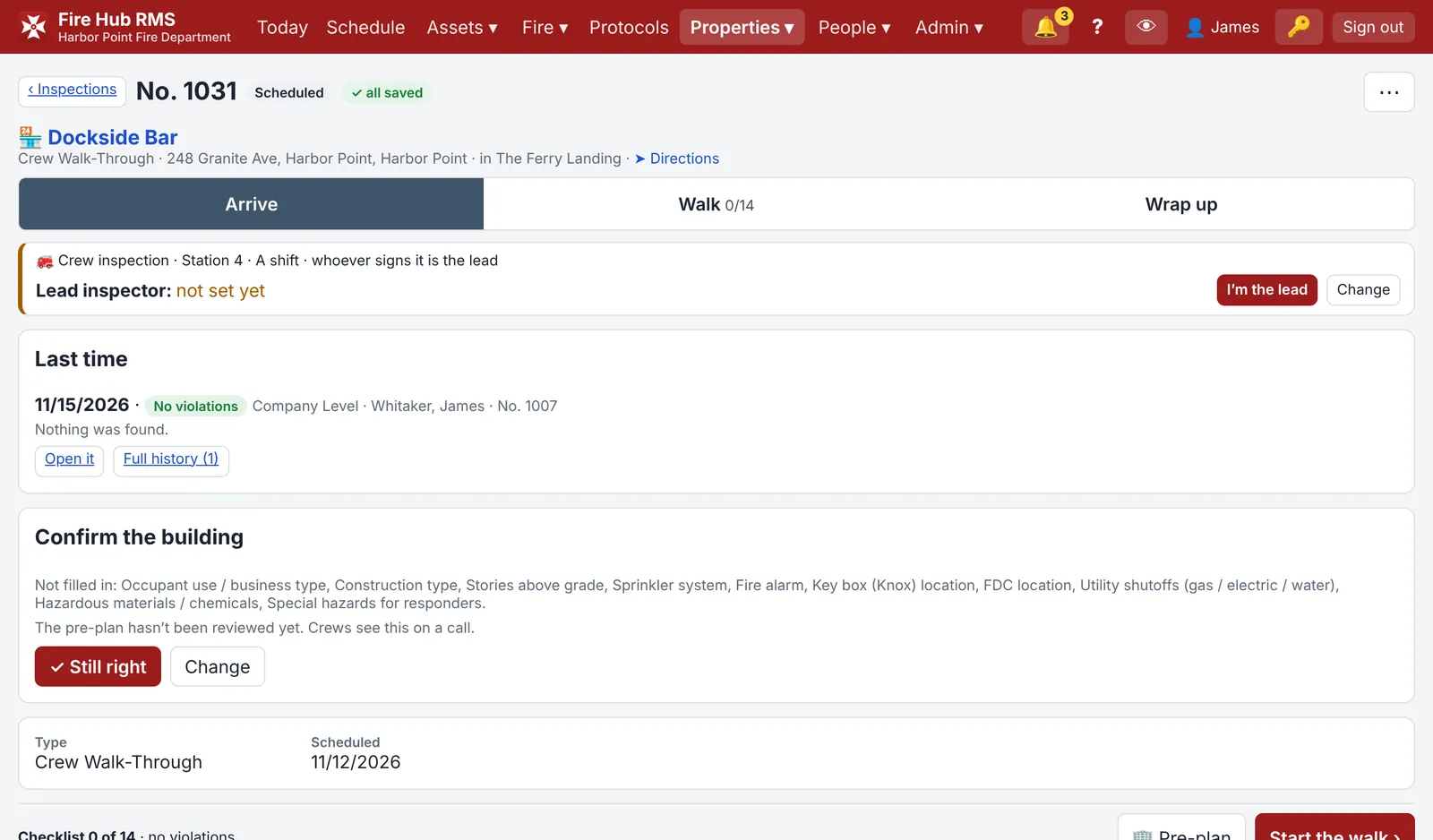
Each property keeps its inspections, violations, re-inspections, pre-plan and the hazards crews should know about. When a crew charts a patient at that address, the chart offers the same hazards and notes.
Hydrants crews can trust
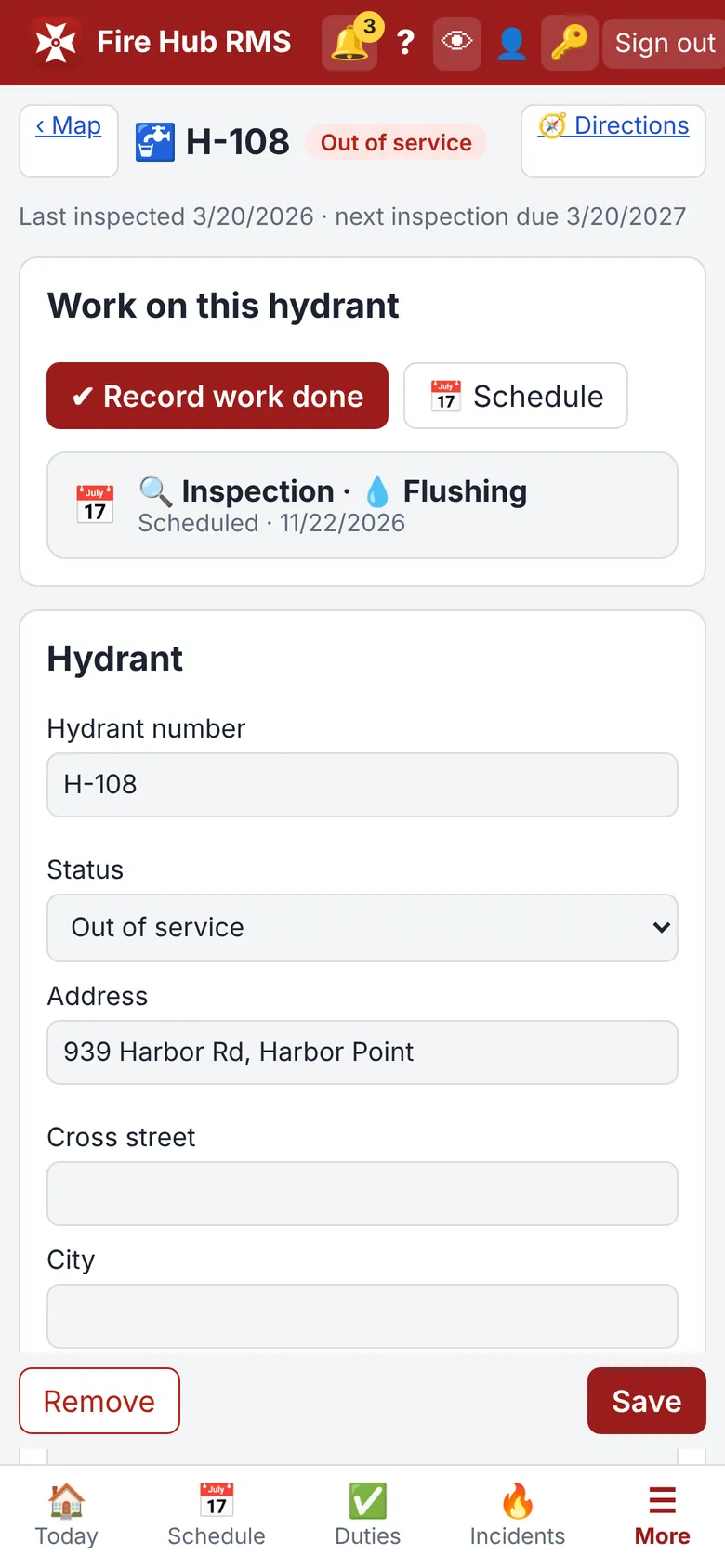
Every hydrant with its location, flow and status. Out-of-service hydrants show on the station TVs, and inspections and flushing are scheduled from the hydrant.
More of the platform
Screens shown are from Fire Hub's demo department. Every name, address and call in them is made up.
See it set up like your department.
Built and used on shift at a central Ohio fire department. See it set up with your shifts and stations.